
Links and image rendering lab
A small fixture post showing internal blog links and local images with controllable display sizes.
Why this note exists
This post is a rendering fixture for two common writing patterns:
- linking to other notes in the archive
- embedding local images while controlling how large they render
Linking to other posts
Use normal Markdown links for internal posts. Absolute site paths are the least fragile because they keep working even if the current post moves:
You can also link inline when a paragraph needs context. For example, a short note about image-heavy writeups might refer back to the tiny triage rig before showing the diagram that was produced during analysis.
A normal Markdown image
Plain Markdown image syntax works when you do not need special sizing:
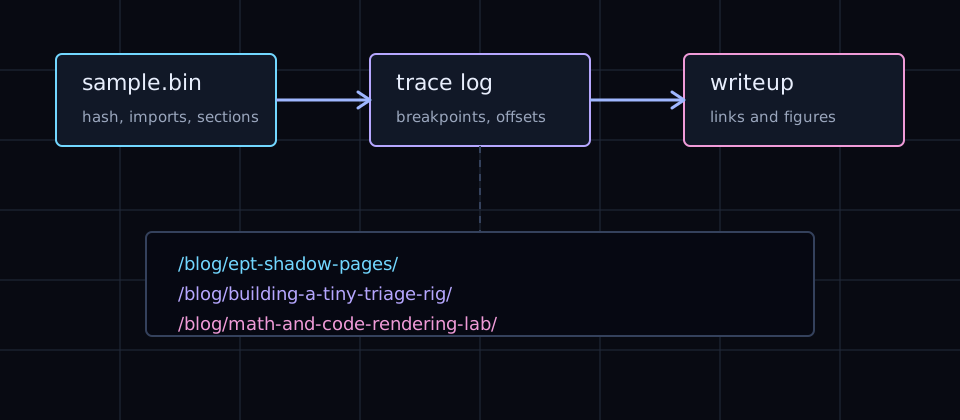
The image above uses the browser’s natural responsive sizing. It will never overflow the post column.
A medium image with a caption
When you want explicit size control, use a small HTML figure in the Markdown body. The post-figure--md class constrains the figure to the medium preset.
A custom image width
For one-off sizing, set --media-width directly on the figure. This keeps the width decision in the post without adding a new global class.
Available sizing pattern
The reusable presets are:
<figure class="post-figure post-figure--sm">
  <img src="/blog-assets/post-link-image-demo.svg" alt="Small figure" />
</figure>

<figure class="post-figure post-figure--md">
  <img src="/blog-assets/post-link-image-demo.svg" alt="Medium figure" />
</figure>

<figure class="post-figure post-figure--lg">
  <img src="/blog-assets/post-link-image-demo.svg" alt="Large figure" />
</figure>
Add post-figure--center when the constrained figure should sit in the middle of the article column.